
Meetings eat up hours of work time, but remembering every detail discussed can be nearly impossible. AI meeting summaries automatically capture, transcribe, and summarize key points from meetings, freeing participants to focus on the conversation instead of frantically taking notes. These tools work with popular platforms like Zoom, Microsoft Teams, and Google Meet to create accurate records of what was said.

The technology has advanced rapidly, with AI assistants now able to identify action items, track decisions, and even translate summaries into multiple languages. Companies report that employees spend less time in follow-up emails asking “what did we decide” when they have clear AI-generated summaries to reference.
Whether someone leads daily team check-ins or attends client presentations, AI meeting tools can transform how they handle meeting documentation. The right solution can turn hours of audio into organized, searchable notes that teams actually use to move projects forward.
Key Takeaways
- AI meeting summarizers automatically transcribe and organize meeting content so participants can focus on discussion rather than note-taking
- These tools integrate with major video platforms and offer features like action item tracking, speaker identification, and multi-language translation
- The right AI meeting assistant reduces follow-up confusion and helps teams stay aligned on decisions and next steps
Understanding AI Meeting Summaries
AI meeting summaries use natural language processing to turn spoken conversations into written notes and action items. These tools process audio recordings, create transcripts, and identify key discussion points automatically.
What Are AI Meeting Summaries
AI meeting summaries are automated reports that capture the main points from business meetings. The technology listens to conversations and creates written documents with key decisions, action items, and important topics discussed.
These summaries replace manual note-taking during meetings. Instead of having someone write down everything by hand, AI tools do this work automatically. This lets all meeting participants focus on the discussion instead of taking notes.
The summaries include different types of information:
- Key decisions made during the meeting
- Action items assigned to team members
- Important topics discussed
- Speaker identification showing who said what
- Timeline markers for easy navigation
AI summaries work with popular meeting platforms like Microsoft Teams, Google Meet, and Zoom. Users can access these summaries right after their meetings end.
How AI Meeting Summaries Work
The process starts when AI tools record meeting audio automatically. The technology then converts spoken words into text using speech recognition software.
Natural language processing analyzes the transcript to find important information. The AI looks for specific patterns like decisions, questions, and assigned tasks. It can tell the difference between casual chat and important business discussions.
The AI creates structured summaries from this analysis. It organizes information into clear sections like decisions, action items, and next steps. Some tools also create personalized summaries for different meeting participants.
Speaker identification helps the AI track who said what during meetings. This feature works by recognizing different voices and speech patterns. The final summary shows which person made each comment or decision.
Types of Meeting Content Processed by AI
AI tools can process many different types of meeting content. The technology works best with clear audio recordings from video calls or in-person meetings with good microphones.
Discussion topics get identified and categorized automatically. The AI recognizes when new subjects come up and creates separate sections for each topic. This makes it easy to find specific information later.
Action items and tasks receive special attention from AI systems. The technology looks for phrases like “John will handle” or “due by Friday” to identify assigned work. These items often appear in bulleted lists in the final summary.
Questions and decisions get highlighted as important meeting outcomes. AI can spot when someone asks a question and when the group makes a choice about something. These sections help teams remember what they agreed to do.
The AI also processes meeting timing and structure. It creates chapter markers for long meetings and identifies when breaks occurred. Some tools generate audio recaps that let users listen to key moments without replaying entire meetings.
Key Features of AI Meeting Summarizers
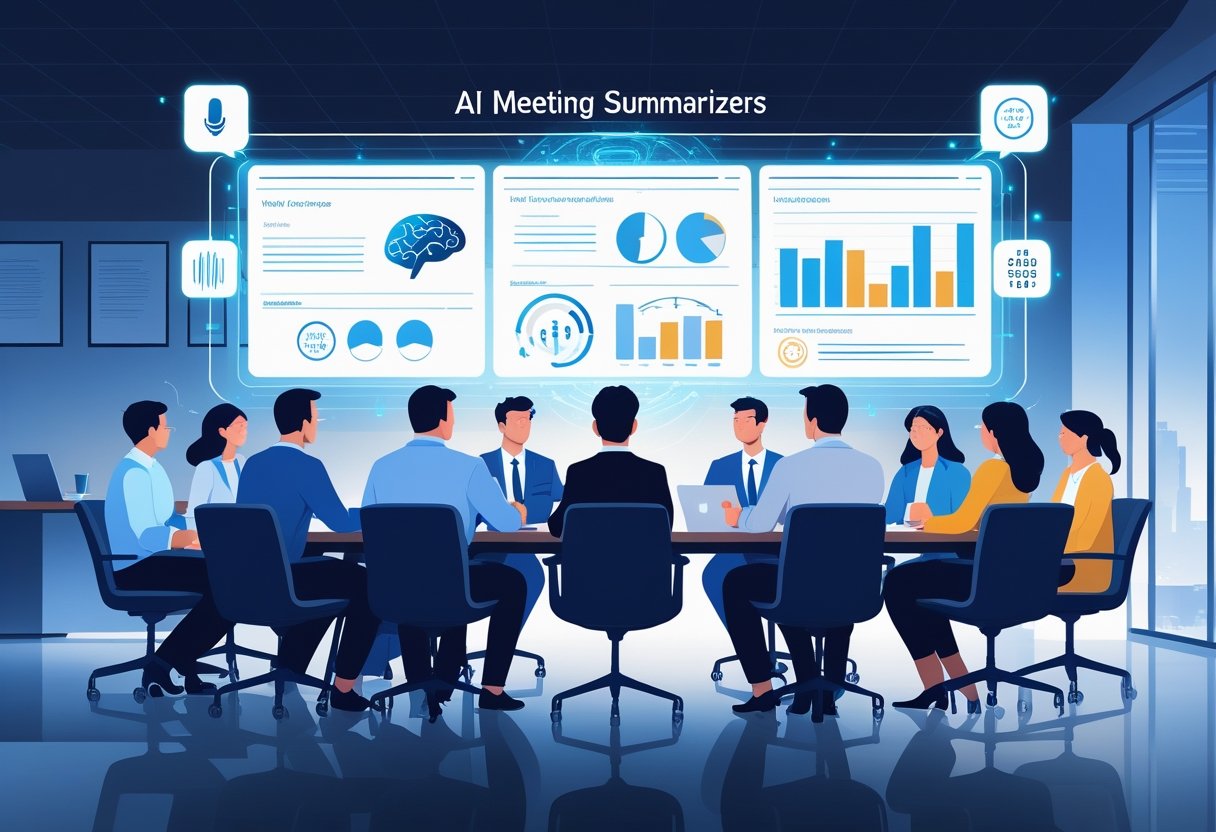
AI meeting summarizers offer several core features that transform how teams capture and process meeting information. These tools provide automatic transcription, identify speakers, create customized formats, and generate visual representations of meeting content.
Automatic Note-Taking and Transcription
AI meeting summarizers automatically convert spoken words into text during live meetings or from recorded sessions. The technology uses speech recognition to capture conversations in real-time without human input.
Most tools integrate directly with popular platforms like Zoom, Microsoft Teams, and Google Meet. Users don’t need to install additional software or change their meeting habits.
The transcription accuracy varies by tool but typically ranges from 85% to 95%. Background noise, accents, and multiple speakers can affect quality.
Key transcription features include:
- Real-time speech-to-text conversion
- Support for multiple languages
- Noise filtering capabilities
- Integration with major video platforms
Some tools also identify action items, decisions, and key topics automatically. This saves users from manually searching through long transcripts to find important information.
Speaker Identification and Attribution
Speaker identification tracks who said what during meetings. The AI analyzes voice patterns and assigns statements to specific participants.
This feature helps create organized meeting notes where each comment links to the correct person. Teams can easily follow conversations and understand who made specific commitments.
Speaker identification provides:
- Individual voice recognition
- Automatic name assignment
- Separate speaker timelines
- Attribution of action items to specific people
The accuracy depends on voice clarity and the number of participants. Tools work best with 2-8 speakers in clear audio conditions.
Some advanced systems learn individual voices over time. This improves accuracy for regular meeting participants and reduces errors in speaker assignment.
Customizable Summary Formats
AI summarizers offer different output formats to match team preferences and meeting types. Users can choose from bullet points, detailed paragraphs, or structured templates.
Common format options include executive summaries, detailed transcripts, and action-focused reports. Teams can select formats based on their specific needs and workflows.
Popular summary formats:
- Executive Summary: High-level overview with key decisions
- Action Items List: Tasks and assignments with deadlines
- Topic-Based: Organized by discussion themes
- Chronological: Time-ordered meeting flow
Many tools allow custom templates for recurring meeting types. Sales teams might use deal-focused formats while project teams prefer task-oriented summaries.
The formatting flexibility helps teams integrate AI summaries into existing documentation systems and reporting processes.
Visual Summaries and Mind Maps
Visual summary features convert meeting content into charts, diagrams, and mind maps. These formats help teams understand complex discussions and see relationships between topics.
Mind maps show how different discussion points connect to main themes. This visual approach makes it easier to review meeting outcomes and identify patterns.
Visual summary options include:
- Mind maps with topic branches
- Timeline views of meeting progression
- Participant contribution charts
- Action item dashboards
Some tools create automatic flowcharts for decision-making processes discussed in meetings. Others generate word clouds highlighting frequently mentioned terms.
Visual summaries work well for creative teams, strategic planning sessions, and complex project discussions. They provide quick overviews that text-based summaries cannot match.
The visual elements help team members who learn better through graphics rather than written text.
Benefits of Using AI Meeting Summaries
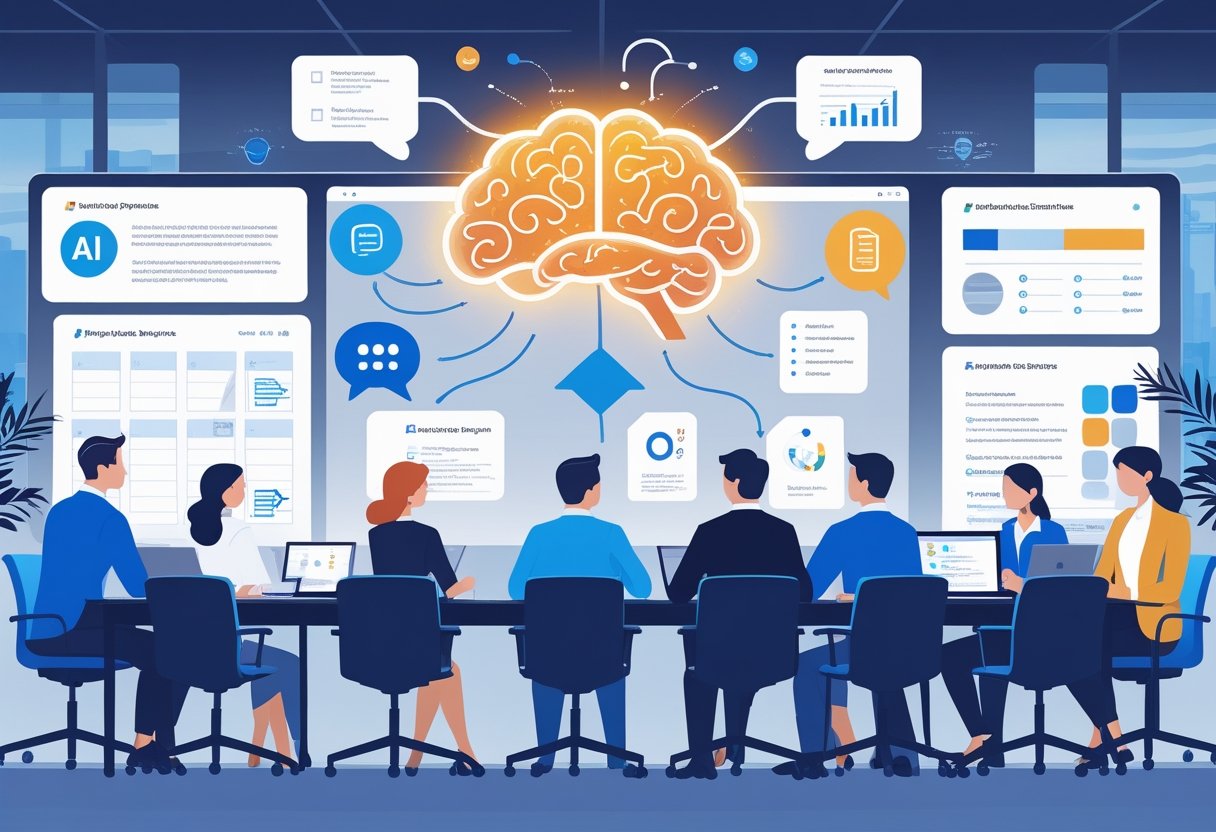
AI meeting summaries deliver concrete advantages that transform how teams work together. These tools save time, capture important tasks clearly, and make meeting information easier to share across organizations.
Increased Productivity and Focus
AI meeting summaries eliminate the need for manual note-taking during meetings. Participants can focus completely on discussions and decision-making instead of writing down every detail.
Teams save significant time each week. Manual meeting notes typically take 15-30 minutes to create after each meeting. AI tools generate summaries instantly.
Key time savings include:
- No manual transcription needed
- Instant summary generation
- Quick access to past meeting information
- Reduced time spent searching for specific details
Meeting participants engage more actively in conversations. They ask better questions and contribute more ideas when they are not distracted by note-taking duties.
The technology works with popular meeting platforms like Zoom, Microsoft Teams, and Google Meet. Users can access summaries immediately after meetings end.
Accurate Action Item Extraction
AI tools identify action items with high precision. They scan meeting transcripts and pull out specific tasks, deadlines, and assignments automatically.
The technology recognizes phrases that signal action items. Words like “will do,” “by Friday,” and “responsible for” help AI systems find important tasks.
Action item features include:
- Automatic task identification
- Clear assignment of responsibilities
- Deadline extraction
- Priority level detection
Teams reduce missed tasks and forgotten commitments. AI summaries create consistent formats for tracking what needs to be done and who will do it.
The systems also track follow-up items from previous meetings. This helps teams stay accountable and complete projects on time.
Enhanced Collaboration and Knowledge Sharing
AI meeting summaries create searchable records of all discussions. Team members can find specific topics or decisions from past meetings quickly using keyword searches.
New team members access meeting history easily. They can review past decisions and understand project context without attending every previous meeting.
Collaboration improvements include:
- Searchable meeting archives
- Consistent summary formats
- Easy sharing across teams
- Better knowledge retention
Remote teams benefit significantly from AI summaries. Team members in different time zones can stay updated on meetings they missed.
The summaries help managers track project progress. They can review decisions made across multiple meetings and identify patterns or recurring issues.
Organizations build better knowledge bases over time. Important discussions and decisions are preserved in organized, accessible formats that support future planning.
Choosing the Right AI Meeting Summarizer
Successful AI meeting summarizer selection depends on three critical factors: matching core features to business needs, ensuring seamless platform compatibility, and confirming adequate language support for all team members.
Essential Selection Criteria
Accuracy stands as the most important factor when evaluating AI meeting summarizers. Tools should consistently capture key decisions, action items, and speaker identification without significant errors.
Security features matter greatly for business use. Look for tools that offer end-to-end encryption, data retention controls, and compliance with standards like GDPR or HIPAA.
Customization options allow teams to tailor summaries to their specific needs. The best tools let users adjust summary length, highlight certain topics, or create custom templates.
Pricing structure varies widely among providers. Some charge per user monthly, while others offer per-meeting rates or unlimited plans.
Key features to evaluate:
- Real-time transcription quality
- Action item extraction
- Speaker identification accuracy
- Summary formatting options
- Data export capabilities
Integration with Meeting Platforms
Most modern AI summarizers work directly with popular video conferencing tools. Zoom, Microsoft Teams, and Google Meet represent the most commonly supported platforms.
Native integrations provide the smoothest experience. These allow the AI tool to automatically join meetings and start recording without manual setup.
Universal recording features let some tools capture audio from any application. This works well for phone calls or less common meeting platforms.
CRM integration helps sales teams by automatically logging meeting summaries to customer records. Tools like Fellow.ai and Fireflies.ai offer strong CRM connections.
Setup requirements differ by tool. Some need admin approval for company-wide deployment, while others allow individual user installation.
Language and Accessibility Support
Multilingual capabilities become essential for global teams. Advanced AI summarizers can transcribe and summarize meetings conducted in multiple languages during the same session.
Translation features help bridge language gaps by providing summaries in different languages than the spoken conversation.
Accessibility options ensure all team members can benefit from AI summaries. This includes support for hearing-impaired users and integration with screen readers.
Dialect recognition affects transcription accuracy. Tools trained on diverse speech patterns perform better with various accents and regional language differences.
Consider these language factors:
- Number of supported languages
- Real-time translation accuracy
- Accent recognition quality
- Text formatting for accessibility tools
Privacy and Security in AI Meeting Summaries
AI meeting summaries create new challenges for data protection and user privacy. Organizations must understand compliance requirements and establish clear policies about who owns and controls meeting data generated by AI tools.
Data Protection and Compliance
AI meeting tools collect vast amounts of sensitive information during business conversations. This data often includes confidential business strategies, personal employee information, and proprietary company details.
GDPR and Privacy Laws
Companies using AI meeting summaries must comply with data protection regulations like GDPR. These laws require explicit consent from meeting participants before AI tools can process their conversations.
Many AI meeting platforms store data on third-party servers. This creates potential violations of privacy laws if proper safeguards are not in place.
Industry-Specific Requirements
Healthcare organizations face HIPAA compliance issues when AI tools process patient information during meetings. Financial services must consider regulations that protect customer data from unauthorized AI processing.
Legal professionals risk attorney-client privilege violations when AI systems record and summarize confidential client conversations.
Data Storage Risks
AI meeting platforms often retain conversation data for extended periods. Without proper governance policies, organizations face data breach risks and potential legal exposure from inconsistent record-keeping practices.
User Control and Data Ownership
Meeting participants often lack clear understanding of how their conversations are processed and stored by AI systems. Organizations need transparent policies about data ownership and user rights.
Consent and Notification
AI meeting bots must clearly identify themselves when joining conversations. Participants should receive explicit notification that AI tools are recording and processing their speech.
Some platforms allow individual users to opt out of AI processing. However, this feature is not universal across all meeting tools.
Data Retention Policies
Organizations should establish clear timeframes for how long AI-generated summaries are stored. Automatic deletion policies help reduce long-term privacy risks.
Users need the ability to request deletion of their personal data from AI meeting summaries. This includes both audio recordings and generated text summaries.
Access Controls
Companies must define who can access AI-generated meeting summaries within their organization. Role-based permissions prevent unauthorized viewing of sensitive conversations.
Third-party AI providers should offer detailed reports about data access and processing activities. This transparency helps organizations maintain accountability for employee privacy.
Use Cases and Industry Applications
AI meeting summaries transform how different teams and professionals handle their meetings across various industries. These tools deliver specific benefits for project teams tracking tasks, executives managing multiple meetings, and regulated industries requiring detailed documentation.
Teams and Project Management
Project teams use AI meeting summaries to automatically capture action items and deadlines during sprint planning and status meetings. The tools integrate directly with project management platforms like Asana and Jira.
Team leads can quickly identify who committed to which tasks. This eliminates confusion about responsibilities after meetings end.
Remote teams benefit most from these summaries. They can review key decisions when they miss meetings due to time zone differences.
Common applications include:
- Sprint retrospectives and planning sessions
- Client project updates and milestone reviews
- Cross-functional team coordination meetings
- Product development discussions
The summaries help teams maintain project momentum. They reduce time spent writing manual notes by up to 75%.
Executives and Professionals
Senior executives use AI summaries to manage their packed meeting schedules more effectively. They can review multiple meeting outcomes without reading full transcripts.
Business professionals rely on these tools for client meetings and sales calls. The summaries capture important client requirements and follow-up commitments automatically.
Sales teams integrate meeting summaries with their CRM systems. This ensures no client details get lost between meetings.
Key executive use cases:
- Board meetings and strategy sessions
- Investor presentations and quarterly reviews
- Partnership negotiations and vendor meetings
- Leadership team coordination calls
The technology helps executives stay informed across all their meetings. They can delegate note-taking while focusing on active participation.
Legal, Compliance, and Healthcare
Legal firms require detailed meeting documentation for client billing and case management. AI summaries provide accurate records while maintaining attorney-client privilege.
Healthcare organizations use these tools for patient care coordination meetings. The summaries help medical teams track treatment decisions and care plans.
Compliance-heavy industries benefit from automatic meeting records. They can demonstrate regulatory adherence through detailed documentation.
Regulated industry applications:
- Legal case strategy and client consultation meetings
- Medical team rounds and treatment planning sessions
- Financial services compliance and audit meetings
- Insurance claim reviews and risk assessments
These industries need higher accuracy standards. Many AI tools offer specialized versions that meet regulatory requirements for record-keeping and data security.
Frequently Asked Questions
AI meeting summary tools help professionals save time and improve accuracy through automated transcription and intelligent note generation. These tools can process audio recordings in real-time and extract key action items from conversations.
How can artificial intelligence tools assist in taking meeting notes more efficiently?
AI tools automatically transcribe spoken words into text using natural language processing technology. This eliminates the need for manual note-taking during meetings.
The software identifies different speakers and creates structured summaries. It extracts key points, decisions, and action items from conversations.
AI assistants can generate meeting highlights while participants focus on discussions. They create searchable transcripts that teams can reference later.
These tools integrate with popular video conferencing platforms. They work in the background without disrupting the meeting flow.
What are the best AI-based meeting summary tools currently available for professional use?
Microsoft Teams offers AI-generated meeting highlights through its Intelligent Meeting Recap feature. Users can access AI meeting notes and recommended tasks after meetings end.
Gather provides AI transcriptions and summaries as a beta feature for premium subscribers. The platform includes improved transcription capabilities as of September 2025.
Meeting.ai creates live transcripts and identifies speakers automatically. It generates summaries and produces visual diagrams from meeting content.
Several other AI meeting tools offer similar features with varying pricing models. Most integrate with common business software and video platforms.
Are there any AI applications capable of generating minutes from audio recordings?
Yes, multiple AI applications can convert audio recordings into formal meeting minutes. These tools process pre-recorded audio files and generate structured summaries.
The software analyzes speech patterns and extracts important information. It identifies action items, decisions, and key discussion points from recordings.
Users can upload audio files from various sources including phones and recording devices. The AI processes the content and creates formatted meeting minutes.
Some tools allow customization of output formats. Teams can adjust settings to match their specific minute-taking requirements.
What features should users look for in an AI meeting assistant for optimal performance?
Speaker identification helps distinguish between different participants in meetings. This feature creates clearer transcripts and assigns comments to specific people.
Real-time transcription allows teams to follow along during meetings. Accurate speech recognition ensures important details are captured correctly.
Action item extraction automatically identifies tasks and deadlines. This feature helps teams track follow-up responsibilities after meetings.
Integration capabilities connect with existing business tools and platforms. Users should look for compatibility with their current software systems.
How can students leverage AI technology for summarizing educational meetings or lectures?
Students can record lectures and generate automated transcripts for review. AI tools help identify key concepts and important information from class discussions.
The technology creates study guides from recorded academic content. Students can search transcripts for specific topics or terms.
AI assistants help organize lecture notes into structured formats. They highlight main points and create summaries for exam preparation.
Some educational institutions provide AI meeting tools for student use. These platforms often include features designed for academic environments.
Is it possible for AI to provide accurate transcriptions and summaries in real-time during meetings?
Current AI technology can generate transcriptions and basic summaries during live meetings. The accuracy depends on audio quality and speaker clarity.
Real-time processing works best with clear audio and minimal background noise. Multiple speakers or accents may reduce transcription accuracy.
Live AI summaries capture main topics but may miss nuanced details. Post-meeting processing typically produces more accurate and complete summaries.
Internet connectivity affects real-time performance of cloud-based AI tools. Stable connections ensure consistent transcription quality throughout meetings.
Related Articles

Automatic Meeting Notes: How AI-Powered Tools Transform Workplace Productivity
Voice Notes to Text: How AI Transcription Tools Are Revolutionizing Digital Communication