
Taking notes during meetings, lectures, and work sessions can be time-consuming and often leads to missed important details. Traditional note-taking methods require people to split their attention between listening and writing, which can hurt understanding and productivity.

AI note-taking tools use artificial intelligence to automatically capture, transcribe, and organize information, allowing users to focus completely on the conversation or content. These smart tools can turn spoken words into written text in real-time and create summaries of key points without any manual work.
Modern AI note-taking apps offer features like automatic organization, collaboration tools, and integration with other work platforms. They help students, professionals, and remote workers save time while improving the accuracy and usefulness of their notes.
Key Takeaways
- AI note-taking automatically captures and organizes information so users can focus on understanding rather than writing
- These tools provide real-time transcription and smart summaries that improve accuracy and save significant time
- Advanced features like collaboration tools and platform integration make AI note-taking essential for modern work environments
What Is AI Note-Taking?
AI note-taking uses artificial intelligence to automatically capture, organize, and improve written notes. These smart tools can record audio, create summaries, and sort information without manual work.
Definition and Core Concepts
AI note-taking combines traditional note-taking with artificial intelligence technology. These tools help users capture information faster and with better accuracy than manual methods.
Core features include automatic transcription of speech to text. The AI listens to conversations or lectures and writes down what it hears. This removes the need to type while listening.
AI note-taking tools also organize information automatically. They can sort notes by topic, date, or importance. Some tools create outlines and bullet points from long text.
Smart summarization is another key feature. The AI reads through long notes and pulls out the most important points. This saves time when reviewing information later.
Many ai-powered note-taking tools work across different devices. Users can access their notes on phones, computers, and tablets. The AI keeps everything synced and updated.
How Artificial Intelligence Powers Note-Taking
Artificial intelligence uses several technologies to improve note-taking. Natural language processing helps AI understand human speech and writing. This lets the tools know what words mean and how they connect.
Speech recognition converts spoken words into written text. The AI learns to recognize different voices, accents, and speaking speeds. Modern tools can transcribe speech in real-time during meetings or classes.
Machine learning helps ai note-taking apps get better over time. They learn from user habits and preferences. The more someone uses the tool, the better it becomes at organizing their specific needs.
AI can also identify important information automatically. It recognizes key phrases, action items, and deadlines. Some tools highlight these important parts in different colors.
Text analysis lets AI understand the meaning behind words. This helps create better summaries and find connections between different notes.
Types of AI Note-Taking Solutions
Meeting transcription tools focus on recording and organizing business conversations. These ai note-taking tools join video calls and create written records. They identify different speakers and mark important decisions.
Study apps help students take better notes in classes. These ai-powered note-taking tools can record lectures and create study guides. Some apps make flashcards and quiz questions from notes.
Voice recording apps let users speak their thoughts instead of typing. The AI converts speech to text and organizes the information. This works well for people who think better out loud.
Document analysis tools read existing text and improve it. They can summarize long documents, find key points, and create outlines. These note-taking tools work with PDFs, web pages, and word documents.
All-in-one platforms combine multiple features in one app. They offer transcription, organization, and collaboration tools together. These comprehensive ai note-taking solutions work for both personal and business use.
Key Benefits of AI Note-Taking
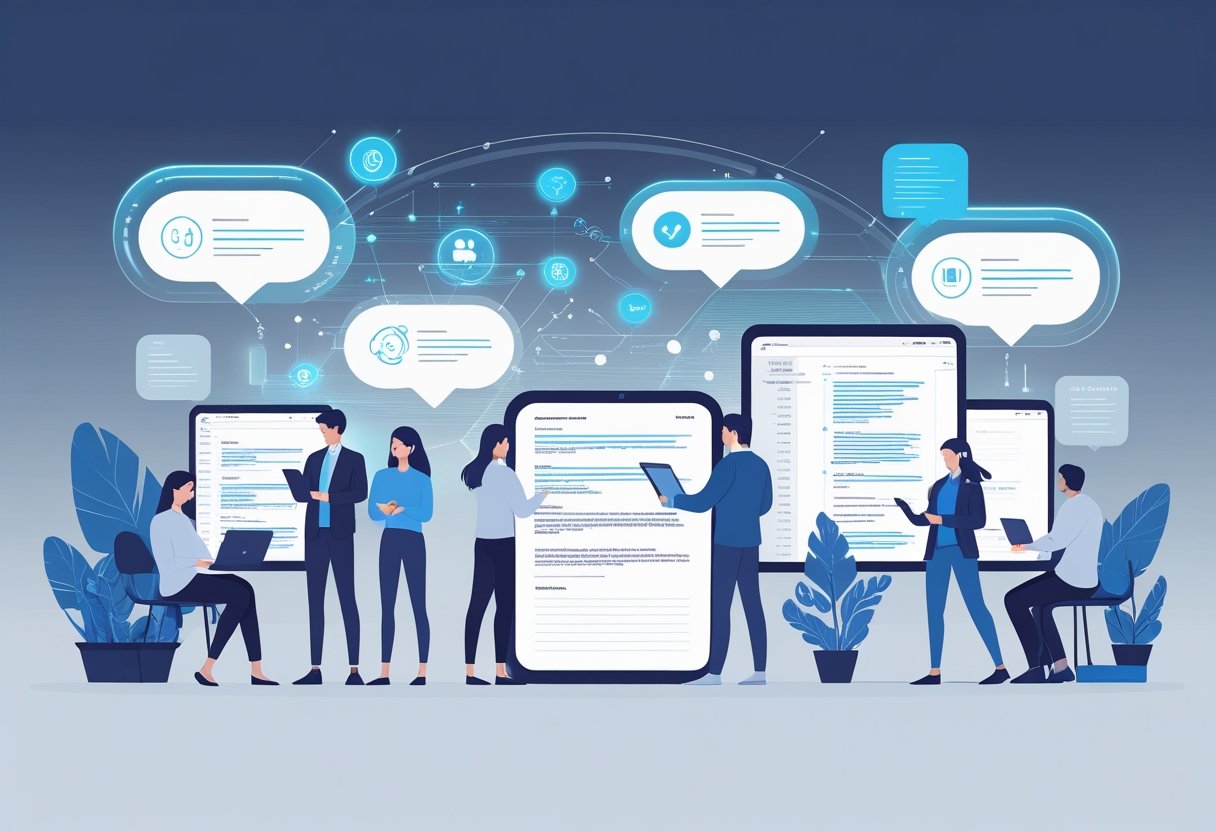
AI note-taking delivers three main advantages that transform how people capture and manage information. These tools boost workplace performance through faster processing, better data organization, and reduced manual work.
Enhanced Productivity and Efficiency
AI note-taking tools save significant time during meetings and lectures. They automatically transcribe spoken words in real-time, letting users focus on the discussion instead of writing everything down.
Users can process information faster with these systems. The tools convert audio to text within seconds and highlight important points automatically.
Key productivity improvements include:
- Real-time transcription during meetings
- Instant summarization of key points
- Quick identification of action items
- Reduced time spent on manual note-taking
Studies show some companies cut their post-meeting follow-up time by 50% when using AI note-taking systems. This happens because the tools automatically organize discussion points and assign action items.
Students benefit from better focus during classes. They can listen more carefully to lectures since they don’t need to write every detail. The AI captures everything for later review.
Improved Organization and Information Management
AI systems organize notes automatically using smart categorization. They sort information by topics, dates, and importance levels without manual effort.
Search capabilities make finding specific information quick and easy. Users can locate exact quotes, decisions, or data points from thousands of notes in seconds.
These tools create centralized storage for all meeting notes and documents. Teams can access shared information from any device at any time.
Organization features include:
- Automatic topic categorization
- Smart tagging systems
- Advanced search functions
- Cross-platform accessibility
The systems also connect related information across different meetings or projects. This helps users see patterns and connections they might miss otherwise.
Automation of Repetitive Tasks
AI note-taking eliminates many routine administrative tasks. The software handles transcription, formatting, and basic summarization without human input.
Users no longer need to clean up messy handwritten notes or retype audio recordings. The AI produces clean, formatted documents ready for sharing or storage.
Action item tracking becomes automatic. The tools identify tasks, assign them to team members, and create follow-up reminders.
Automated functions include:
- Audio-to-text conversion
- Document formatting
- Summary generation
- Task identification and tracking
These automation features free up mental energy for more important work. Users can focus on analysis and decision-making instead of data entry and organization tasks.
How AI-Driven Features Transform Note-Taking
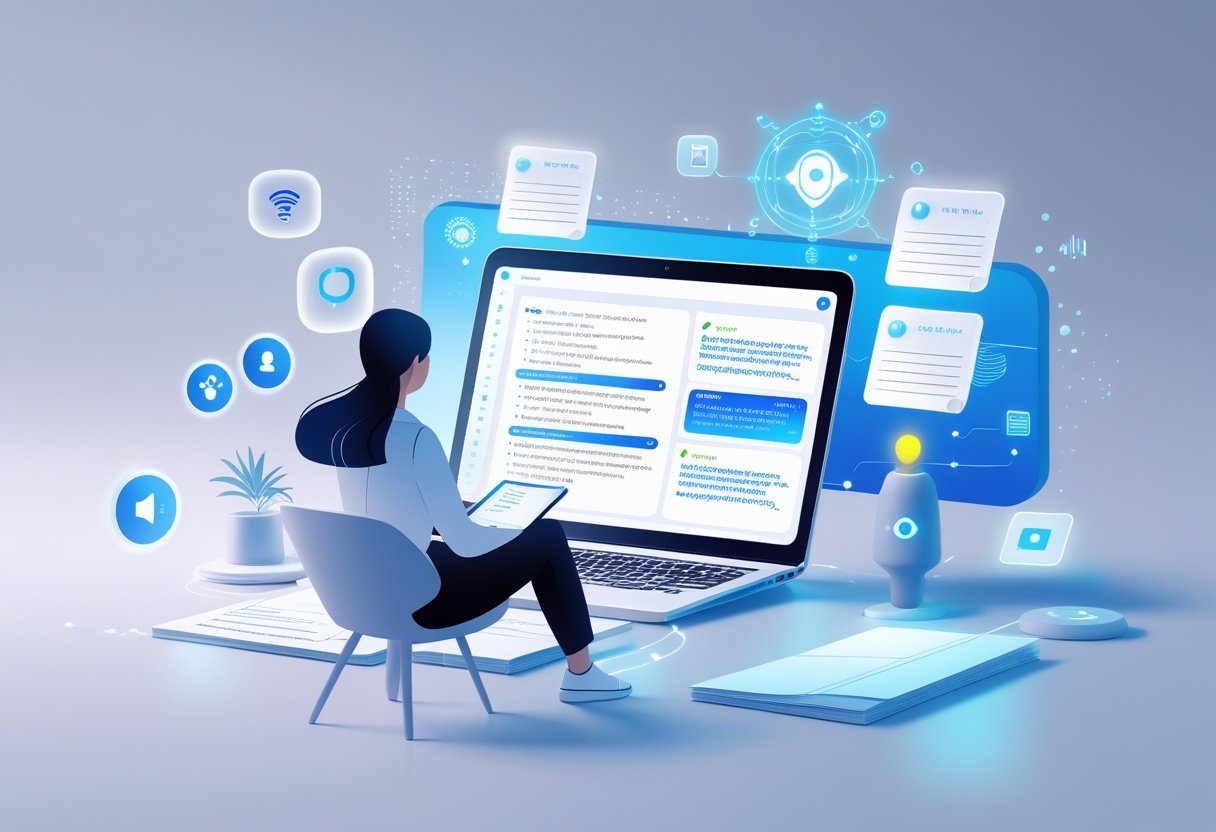
AI transcription and smart summarization tools turn hours of manual work into minutes of automated processing. Advanced speaker identification and context capture ensure users never miss important details during meetings or lectures.
Voice-to-Text and Real-Time Transcription
Voice-to-text technology converts spoken words into written text instantly. Users can record meetings, lectures, or personal thoughts without typing a single word.
Real-time transcription happens as people speak. The AI processes audio immediately and displays text on screen within seconds. This feature works well for fast-paced conversations and long presentations.
Key Benefits:
- Speed: Users capture information 3-4 times faster than typing
- Accuracy: Modern AI transcription reaches 95% accuracy rates
- Accessibility: People with disabilities can participate more easily in meetings
Most AI transcription tools work across different languages and accents. They learn from user corrections and improve over time. Background noise filtering helps maintain quality even in busy environments.
Automated Summarization and Action Item Extraction
AI summarizer tools read through long transcripts and pull out key points. They create short summaries that highlight the most important information from hours of content.
Action item extraction identifies tasks, deadlines, and responsibilities automatically. The AI scans meeting notes and creates organized lists of who needs to do what by when.
Common Output Types:
- Bullet-point summaries
- Key decision highlights
- Task assignments with due dates
- Important quotes and insights
AI-generated summaries save hours of review time. Teams can quickly understand what happened in meetings they missed. Project managers use these features to track progress and ensure nothing falls through the cracks.
Speaker Identification and Context Capture
Speaker identification tags different voices in transcripts. The AI learns to recognize who is talking and labels their contributions separately. This creates clear, organized meeting notes.
Context capture goes beyond basic transcription. It understands tone, emphasis, and emotional cues in speech. The AI notes when speakers sound excited, concerned, or unsure about topics.
Advanced Features:
- Multiple speaker recognition in group settings
- Emotional tone analysis
- Important moment highlighting
- Cross-reference linking between related topics
These tools work especially well for team meetings and interviews. Users can search transcripts by speaker name to find specific contributions. Context clues help readers understand not just what was said, but how it was said.
Integration and Collaboration Capabilities
AI note-taking tools connect across devices and platforms to keep information accessible everywhere. These systems enable teams to work together on shared documents while maintaining real-time updates.
Synchronization Across Devices
Modern AI note-taking apps sync data instantly across phones, tablets, and computers. Users can start taking notes on their laptop during a meeting and continue editing on their phone later.
Cloud-based storage makes this possible. The AI processes and updates notes automatically when changes occur on any device.
Key synchronization features include:
- Real-time updates across all connected devices
- Offline access with automatic sync when reconnected
- Cross-platform compatibility between iOS, Android, and desktop
- Backup protection to prevent data loss
Popular apps like Notion and OneNote excel at device synchronization. They maintain consistent formatting and AI-generated insights regardless of which device users access.
This seamless experience eliminates the frustration of outdated information. Team members always see the most current version of meeting notes and action items.
Collaboration in Teams and Organizations
AI note-taking assistants transform how teams share and build on information together. Multiple people can edit the same document while AI organizes contributions and tracks changes.
These tools integrate with existing workplace systems. They connect to calendar apps, project management platforms, and messaging channels without disrupting current workflows.
Collaboration benefits include:
- Shared access to meeting transcripts and summaries
- Automatic task assignment from note content
- Integration with Slack, Microsoft Teams, and other communication tools
- Permission controls for sensitive information
Teams save significant time when AI handles note organization automatically. The technology identifies key decisions, action items, and follow-up tasks from collaborative sessions.
Remote teams particularly benefit from these capabilities. Everyone stays informed about project developments even when they cannot attend every meeting.
Accessibility and Inclusivity Advantages
AI note-taking tools break down barriers for students with disabilities through voice-to-text features and real-time transcription. These technologies also support diverse learning styles and language needs across different student populations.
Making Notes Accessible for All
Students with visual impairments benefit greatly from AI note-taking systems. These tools can read notes aloud using text-to-speech features. They also convert handwritten or typed content into accessible formats.
Voice-to-text technology helps students with physical disabilities who cannot write by hand. They can speak their thoughts and have them turned into written notes instantly. This removes the physical barrier of traditional note-taking.
Students with dyslexia or other learning differences find AI tools helpful too. The technology can correct spelling errors automatically. It can also organize thoughts into clear, structured notes.
Real-time transcription works well for students with hearing impairments. They can see spoken content from lectures appear as text on their screens. This ensures they don’t miss important information during class.
AI note-taking apps often include features like:
- Large text options for better visibility
- High contrast modes for easier reading
- Keyboard shortcuts for quick navigation
- Audio playback at different speeds
Supporting Multilingual and Diverse Needs
AI note-taking tools support students who speak different languages. Many apps can translate notes between languages in real time. This helps non-native English speakers understand complex topics better.
Voice-to-text features work in multiple languages now. Students can speak in their native language and have notes created automatically. Some tools can even switch between languages during the same note-taking session.
These technologies help students from diverse backgrounds succeed in school. They can process information in ways that work best for their learning style. The tools adapt to different accents and speech patterns too.
Students learning English as a second language benefit from built-in grammar checking. The AI can suggest better word choices and fix sentence structure. This helps improve their writing skills over time.
Cutting-Edge Technologies in AI Note-Taking
Modern AI note-taking systems use advanced language models and machine learning to understand, organize, and enhance written content automatically. These tools combine natural language processing with retrieval systems to create smarter ways of capturing and finding information.
Natural Language Processing and Machine Learning Models
Natural language processing helps AI note-taking apps understand what users write and say. These systems can read text and figure out the main ideas, important points, and connections between different topics.
Machine learning models get better at organizing notes over time. They learn from how users take notes and what information they find most useful. This helps the AI suggest better ways to group and tag notes.
Key NLP features include:
- Automatic text summarization
- Keyword extraction
- Topic identification
- Sentiment analysis
Modern AI models can also turn spoken words into written text with high accuracy. They understand different accents and speaking styles, making voice-to-text note-taking more reliable.
Some systems use advanced language models to rewrite notes in clearer language. They can also expand on brief notes by adding context and details.
Retrieval-Augmented Generation (RAG) and Advanced AI Systems
RAG technology combines AI text generation with smart search capabilities. This lets note-taking apps find relevant information from existing notes and add new insights based on that content.
When users ask questions about their notes, RAG systems search through all stored information first. Then they use AI models like GPT-4 to create helpful answers using the found content.
RAG benefits for note-taking:
- Better search results
- Smart content suggestions
- Automatic cross-referencing
- Context-aware responses
Advanced AI systems can also connect notes across different topics and time periods. They find patterns and relationships that users might miss on their own.
These technologies help create more interactive note-taking experiences. Users can have conversations with their notes and get personalized insights from their collected information.
Popular AI Note-Taking Platforms and Apps
Notion AI integrates directly into existing Notion workspaces. It can write, edit, and summarize content within pages and databases. Users can ask it to improve their writing or generate new ideas based on existing notes.
Other leading AI note-taking apps include Otter.ai for meeting transcription and Roam Research for connected note-taking. Each platform uses different AI approaches to solve specific note-taking challenges.
Popular platform features:
- Real-time transcription
- Automatic meeting summaries
- Smart tagging and organization
- Cross-platform synchronization
Many apps now offer voice recording with AI-powered transcription. They can identify different speakers and create organized transcripts from meetings or lectures.
Some platforms focus on visual note-taking with AI assistance. They can recognize handwritten text and convert drawings into digital formats while maintaining the original layout and meaning.
Frequently Asked Questions
AI note-taking tools raise common questions about their practical benefits and limitations. Users want to know how these technologies improve their work, which tools offer the best value, and what real impact they have on learning and productivity.
How does AI note-taking improve productivity for students?
AI note-taking tools help students focus on understanding rather than writing everything down. These tools record lectures and convert speech to text automatically. Students can listen to their teacher without missing important points while typing.
The tools organize notes by topics and highlight key information. This saves time when studying for tests. Students can search through all their notes quickly to find specific information.
AI tools also create summaries of long lectures. This helps students review material faster before exams.
What are the major advantages of using an AI note-taking app in meetings?
AI note-taking apps record entire meetings and turn conversations into written text. Team members can focus on discussing ideas instead of writing notes. The apps capture details that people might forget or miss.
These tools identify action items and important decisions automatically. They can separate different speakers and organize topics by subject. This makes it easy to find specific information later.
AI apps also create meeting summaries that teams can share with people who missed the meeting. This keeps everyone informed without extra work.
Which AI-powered note-taking devices are considered the best in the market?
Popular AI note-taking tools include apps that work on phones, tablets, and computers. Some tools focus on recording and transcribing audio from meetings and classes. Others help organize written notes and create summaries.
The best tools offer real-time transcription with high accuracy. They work well in noisy environments and can identify different speakers. Top-rated options include collaborative features that let teams share and edit notes together.
Many professionals choose tools that integrate with other software they already use. This makes it easier to move information between different apps.
Are there any free AI note-taking tools that offer robust features?
Several free AI note-taking tools provide useful features for students and basic users. These tools typically offer limited recording time or storage space compared to paid versions. Users can transcribe short meetings or lectures without paying fees.
Free tools often include basic organization features and simple search functions. Some allow users to create summaries of their notes automatically. However, advanced features like speaker identification or team collaboration usually require paid subscriptions.
Students can often access enhanced features through educational discounts or free trials of premium services.
In what ways can AI assist in writing and note organization?
AI helps organize notes by creating automatic categories and tags. The technology can group related information together and create topic-based folders. This makes it easier to find specific notes later.
AI tools can turn messy handwritten or typed notes into clean, organized documents. They fix spelling errors and improve formatting automatically. Some tools can even expand brief notes into more detailed explanations.
The technology also helps create outlines from existing notes. This is useful when writing papers or preparing presentations from research materials.
What impact does AI note-taking technology have on learning efficiency?
AI note-taking improves learning efficiency by reducing the time spent on manual tasks. Students can review material faster using AI-generated summaries and key point highlights. This leaves more time for actually understanding the content.
The technology helps identify important concepts that appear frequently across different sources. Students can see patterns in their learning materials more easily. This helps them focus their study time on the most critical information.
AI tools also provide different ways to review the same information. Students can read text summaries, listen to audio recordings, or search for specific topics based on their learning preferences.
Related Articles

Automatic Meeting Notes: How AI-Powered Tools Transform Workplace Productivity
Voice Notes to Text: How AI Transcription Tools Are Revolutionizing Digital Communication