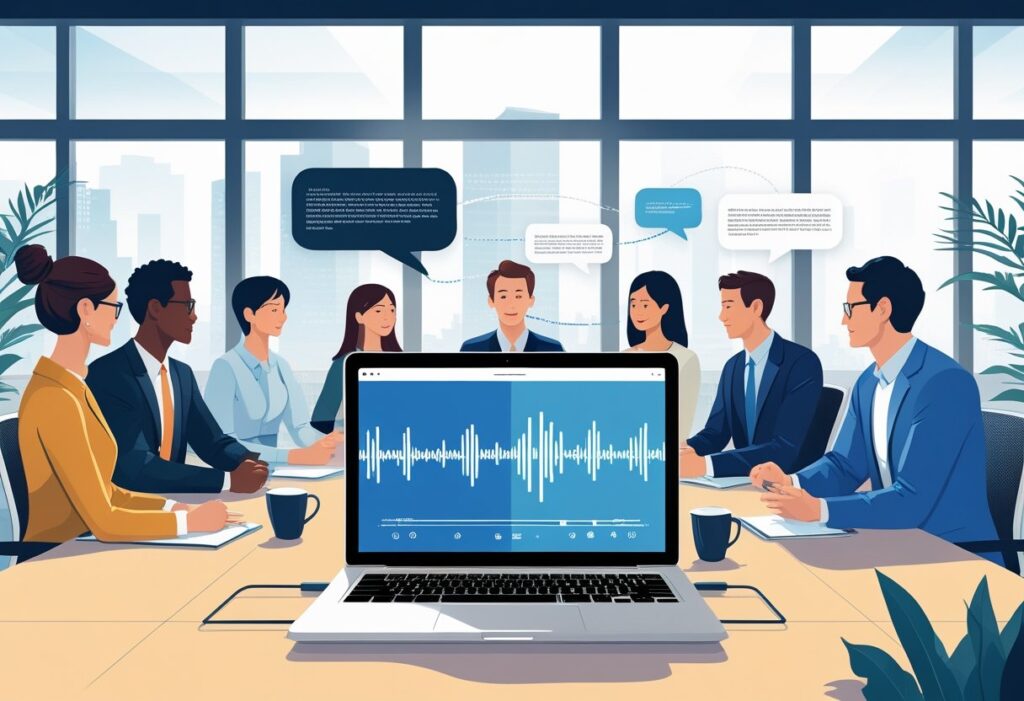
Recording and transcribing meetings used to mean hiring someone to type notes or spending hours writing everything down by hand. Today’s meeting transcription software changes this completely by turning spoken words into written text automatically.
Meeting transcription software uses speech recognition technology to convert audio from meetings into searchable text documents, often in real-time. These tools can tell different speakers apart and work with popular video platforms like Zoom and Microsoft Teams. Many also create summaries and pull out action items without extra work.
The right transcription software saves time and helps teams stay organized. Remote workers can focus on conversations instead of taking notes. Meeting details get saved properly so nothing important gets lost.
Key Takeaways
- Meeting transcription software automatically converts speech to text and integrates with popular meeting platforms
- These tools improve focus during meetings by eliminating the need for manual note-taking
- Key features to evaluate include accuracy rates, speaker identification, and AI-powered summaries
What Is Meeting Transcription Software?
Meeting transcription software converts spoken words from meetings into written text using advanced speech recognition technology. These tools work with popular video conferencing platforms and offer both real-time and post-meeting transcription options.
Definition and How It Works
Meeting transcription software is a digital tool that transforms spoken dialogue from meetings into searchable text documents. The software uses speech recognition technology to capture audio in real-time or from recorded files.
Most transcription tools integrate directly with video conferencing platforms like Zoom, Microsoft Teams, and Google Meet. They can automatically join meetings or work with uploaded audio files.
Key features include:
- Real-time text conversion during live meetings
- Speaker identification and attribution
- Multi-language support
- Searchable transcripts
- Integration with popular meeting platforms
The software processes audio through algorithms that recognize speech patterns and convert them to text. Advanced tools can distinguish between different speakers and format the output accordingly.
Types of Transcription: Human vs. AI
Meeting transcription falls into two main categories: human transcription and AI-powered automated transcription. Each approach offers different benefits and limitations.
Human transcription involves professional transcribers who manually convert audio to text. This method typically delivers higher accuracy rates, especially for complex discussions or poor audio quality.
AI transcription uses machine learning algorithms to automatically convert speech to text. These systems work faster and cost less than human services.
| Feature | Human Transcription | AI Transcription |
|---|---|---|
| Accuracy | 95-99% | 80-95% |
| Speed | Hours to days | Real-time |
| Cost | Higher | Lower |
| Availability | Limited hours | 24/7 |
Most modern transcription apps combine both approaches. They use AI for initial transcription and human editors for quality control.
Automated Transcription Technology
Automated transcription technology relies on advanced speech-to-text algorithms and machine learning models. These systems continuously improve their accuracy through training on large datasets of human speech.
Modern AI transcription tools use natural language processing to understand context and grammar. They can handle different accents, speaking speeds, and background noise levels.
Core technologies include:
- Deep learning neural networks
- Speech recognition algorithms
- Natural language processing
- Audio filtering and enhancement
The technology works by breaking down audio into small segments and analyzing sound waves. It matches these patterns to known words and phrases in its database.
Recent advances allow automated systems to achieve accuracy rates above 90% in good conditions. However, performance can drop with poor audio quality or multiple simultaneous speakers.
Role in Modern Online Meetings
Meeting transcription software has become essential for remote and hybrid work environments. It helps teams capture important information without requiring dedicated note-takers.
These transcription tools integrate seamlessly with video conferencing platforms. They can automatically record, transcribe, and store meeting content for future reference.
Primary benefits include:
- Better focus during meetings
- Accurate record-keeping
- Easy information sharing
- Improved accessibility for hearing-impaired participants
Transcription apps also enable teams to search through past meetings quickly. This makes it easier to find specific discussions or decisions from previous calls.
Many organizations use these tools to create meeting summaries and action items automatically. The software can identify key points and generate structured notes from raw transcripts.
Core Features of Meeting Transcription Tools
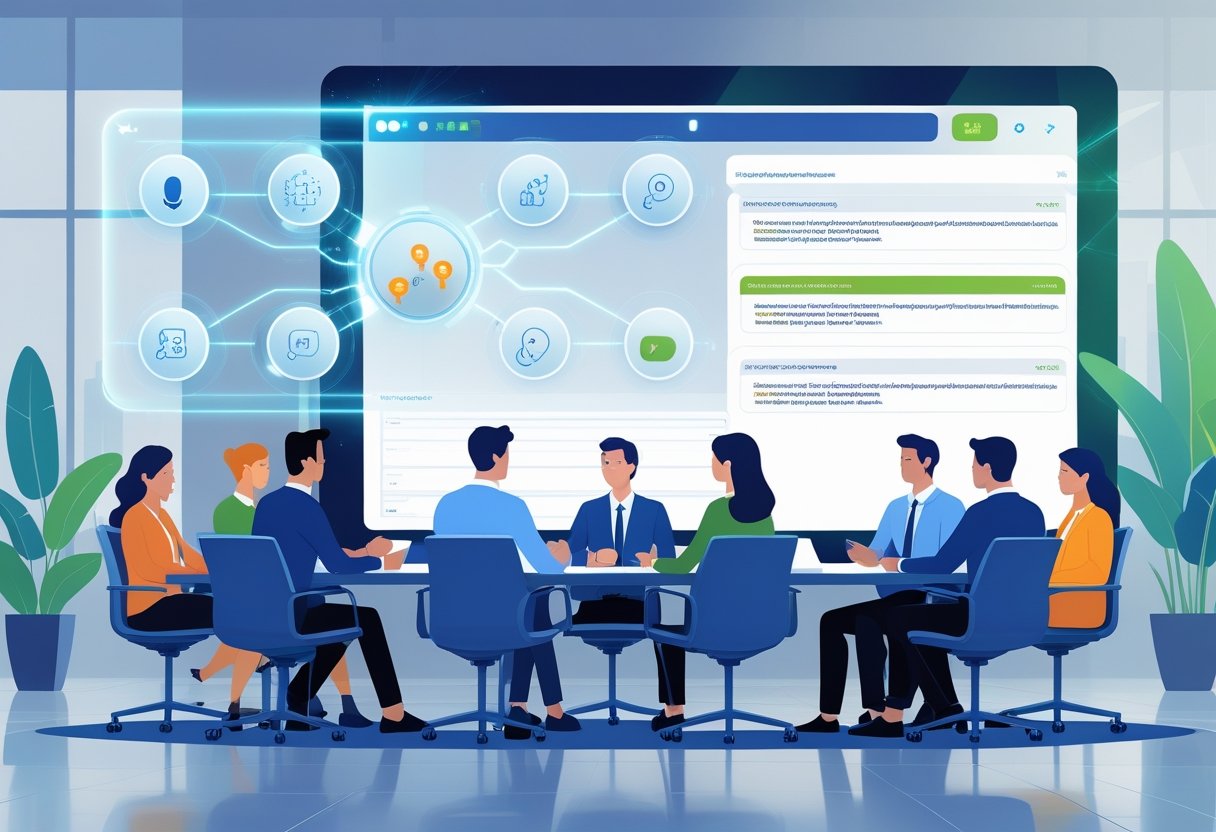
Modern transcription software offers automated transcripts that turn speech into text during online meetings. These tools include AI meeting assistants that identify speakers and create summaries for video conferencing platforms.
Real-Time and Post-Meeting Transcription
Real-time transcription converts speech to text as people speak during meetings. This feature lets participants read words on screen while the meeting happens. It helps people who missed something or need to see what was said.
Most transcription software works with popular video conferencing platforms like Zoom and Teams. The text appears in a separate window or panel during the call.
Post-meeting transcription processes recorded audio after the meeting ends. This method often produces more accurate results than real-time options. The software has more time to analyze speech patterns and correct mistakes.
Users can upload audio files or connect the software to their meeting platform. The automated transcripts are ready within minutes of the meeting ending.
Speaker Identification Capabilities
Speaker identification tags different people in transcripts. The software assigns names or labels to each speaker’s words. This makes transcripts easier to read and understand.
Advanced tools can learn voice patterns over time. They get better at recognizing team members who attend meetings regularly. Some software lets users train the system with voice samples.
The feature works by analyzing voice characteristics like pitch and tone. It creates separate sections for each speaker in the transcript. Users can see who said what during discussions.
Basic speaker identification shows “Speaker 1” and “Speaker 2” labels. More advanced systems use actual names when properly set up.
Transcript Summaries and Meeting Notes
AI meeting assistants create summaries from full transcripts. These tools pull out key points, decisions, and action items automatically. Users get short summaries instead of reading entire transcripts.
Summarization features identify important topics discussed during meetings. They highlight deadlines, assignments, and next steps. Some tools create bullet-point lists of main ideas.
Meeting notes generation saves time for participants. The software writes notes in common formats that teams can share easily. It captures who will do what and when tasks are due.
Advanced tools create different summary types. Users can get executive summaries, detailed notes, or action item lists based on their needs.
Multi-Language and Integration Support
Multi-language support lets teams transcribe meetings in different languages. Global companies need this feature for international calls. The software can handle accents and language switching during meetings.
Some tools translate transcripts into other languages after transcription. This helps teams where members speak different languages. The translation quality varies by software and language pair.
Integration support connects transcription software with other work tools. Popular integrations include:
- Project management – Sends action items to task lists
- CRM systems – Saves customer meeting notes
- Cloud storage – Stores transcripts in shared folders
- Calendar apps – Adds meeting summaries to events
These connections make transcripts more useful in daily work. Teams can access meeting information where they already work instead of switching between different apps.
Benefits of Using Meeting Transcription Software
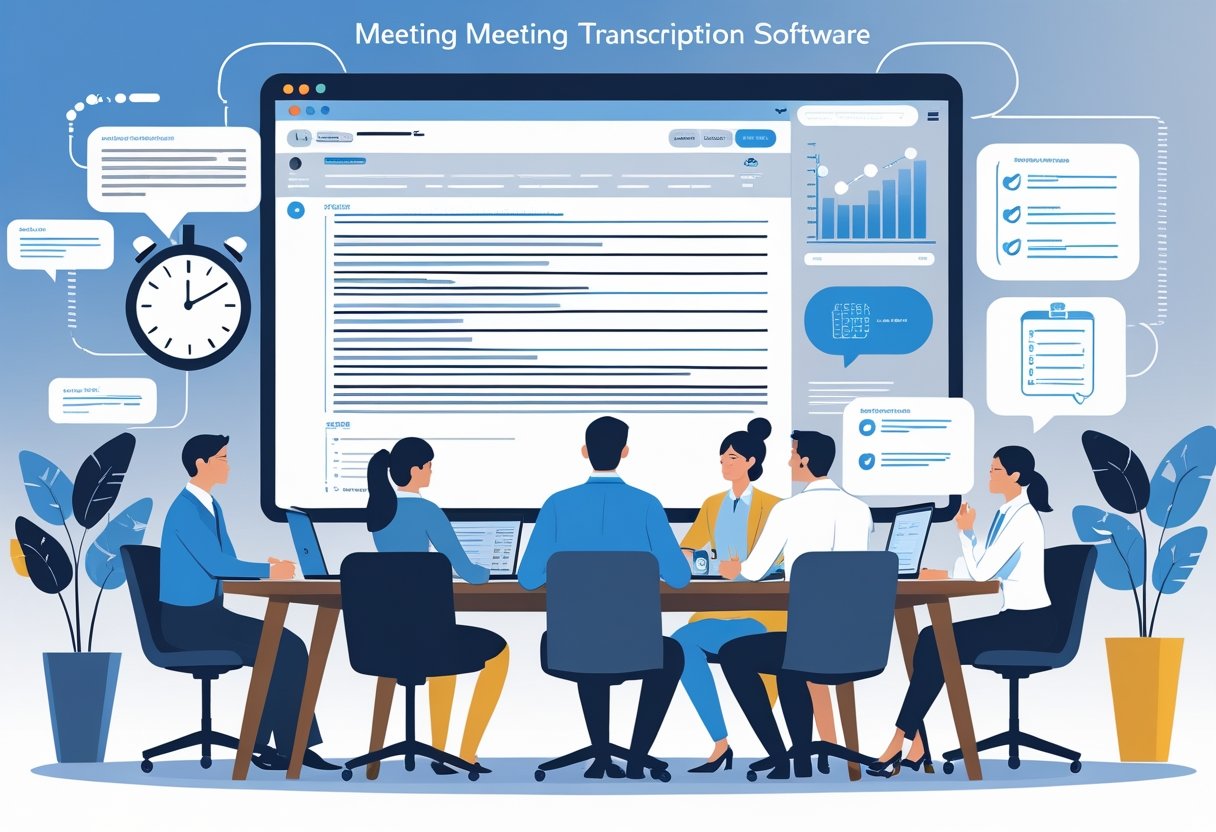
Meeting transcription software transforms how teams capture and use information from their discussions. These tools boost workplace efficiency by creating accurate written records, making content easier to find and reference, and allowing participants to stay engaged during conversations.
Improved Productivity and Accessibility
Automated transcription eliminates the need for manual note-taking during meetings. Team members can focus on the discussion instead of writing down key points. This leads to better participation and more productive conversations.
Meeting transcription software creates permanent records that team members can review later. People who missed the meeting can catch up quickly by reading the transcript. This saves time compared to scheduling follow-up meetings or lengthy explanations.
Accessibility benefits include:
- Support for team members with hearing difficulties
- Text records for non-native speakers to review
- Quick reference for complex technical discussions
The software works in real-time, creating transcripts as people speak. This means important decisions and action items get captured immediately without delays.
Enhanced Organization and Searchability
Transcription services turn spoken words into searchable text documents. Teams can find specific topics, decisions, or action items by searching for keywords. This eliminates the need to listen through entire meeting recordings.
Many transcription apps organize content by speaker, timestamp, and topic. Users can jump to specific parts of the discussion quickly. Some tools even highlight important phrases or decisions automatically.
Key organizational features:
- Searchable keyword functionality
- Speaker identification
- Timestamp markers
- Topic categorization
Teams can store transcripts in shared folders or project management systems. This creates a knowledge base of past discussions and decisions that everyone can access.
Collaboration and Participant Focus
Automated transcripts improve collaboration by giving everyone the same information. Team members can reference exact quotes or decisions without confusion. This reduces misunderstandings and keeps projects on track.
When people don’t have to take notes, they engage more actively in discussions. They ask better questions and contribute more ideas. Meeting transcription software handles the documentation automatically.
Remote team members benefit especially from transcription services. They can follow along with written text even if audio quality is poor. The transcript also helps people in different time zones stay updated on important discussions.
Shared transcripts make it easier to create action items and follow-up tasks. Teams can assign responsibilities based on the exact conversation details recorded in the transcript.
Evaluating Transcription Accuracy and Reliability
Transcription accuracy depends on several key factors including audio quality, speaker clarity, and software capabilities. AI transcription has reached accuracy rates over 95% in 2025, but human transcription still excels in complex scenarios with multiple speakers or heavy accents.
Factors Affecting Transcription Quality
Audio quality plays the biggest role in transcription accuracy. Clear recordings with minimal background noise produce the best results for both AI-powered transcription and human transcription services.
Key quality factors include:
- Audio clarity – Clean recordings without echo or distortion
- Speaker volume – Consistent speaking levels throughout the meeting
- Recording equipment – High-quality microphones and recording devices
- Internet connection – Stable connections for real-time transcription
Room acoustics affect speech-to-text performance significantly. Hard surfaces create echo that confuses automated transcripts. Soft furnishings and proper room setup improve results.
File format matters for accuracy. WAV and FLAC files provide better quality than compressed MP3 files. Higher bitrates produce more accurate transcriptions.
Speaker preparation helps both AI transcription and human transcribers. Clear pronunciation and speaking at normal speeds improves accuracy rates across all transcription methods.
Comparing AI and Human Accuracy
AI transcription accuracy has improved dramatically, reaching over 95% for clear audio in ideal conditions. Human transcription typically achieves 98-99% accuracy but costs more and takes longer to complete.
AI transcription advantages:
- Fast processing speeds
- Lower costs per minute
- Real-time transcription capabilities
- Integration with meeting software
Human transcription benefits:
- Better context understanding
- Accurate speaker identification
- Proper punctuation and formatting
- Industry-specific terminology knowledge
Cost differences are significant. AI-powered transcription costs around $0.10-0.25 per minute. Human transcription ranges from $1-3 per minute depending on turnaround time and complexity.
Speed varies greatly between methods. Automated transcripts appear instantly or within minutes. Human transcribers typically need 24-48 hours for standard projects.
Handling Accents, Noise, and Multiple Speakers
Strong accents challenge both AI transcription and human transcribers, but humans typically perform better with unfamiliar speech patterns. Regional accents from different English-speaking countries create specific difficulties for speech-to-text systems.
Background noise significantly reduces transcription accuracy. Coffee shops, busy offices, and outdoor locations create problems for automated transcripts. AI systems struggle more than humans with consistent background sounds.
Common noise issues:
- Air conditioning and ventilation systems
- Keyboard typing and paper shuffling
- Phone notifications and alerts
- Traffic and construction sounds
Multiple speakers talking simultaneously pose major challenges. Speaker overlap confuses AI-powered transcription systems more than human transcribers. Clear speaker identification becomes difficult when voices sound similar.
Cross-talk and interruptions require manual editing in most automated transcripts. Human transcription handles these situations better but still struggles with heavy overlap. Meeting leaders should encourage turn-taking for better results.
Technical solutions help with speaker separation. Some AI transcription tools use voice recognition to identify individual speakers throughout recordings.
Popular Meeting Transcription Software Solutions
Several leading transcription software platforms dominate the market with AI-powered features and user-friendly interfaces. These tools offer real-time transcription, meeting summaries, and integration capabilities that help teams capture and organize important discussions.
Otter: AI-Powered Meeting Transcriptions
Otter stands as one of the most recognized names in meeting transcription software. The platform uses advanced AI to convert speech to text in real-time during meetings.
Users can record conversations directly through the mobile app or desktop version. The software automatically identifies different speakers and creates searchable transcripts.
Key Features:
- Real-time transcription during live meetings
- Speaker identification and labeling
- Integration with Zoom, Microsoft Teams, and Google Meet
- Mobile and desktop applications
- Keyword search functionality
Otter offers a free tier with limited monthly minutes. Paid plans provide additional features like custom vocabulary and longer recording times.
The AI meeting assistant can join scheduled calls automatically. This feature helps users who cannot attend meetings stay informed through accurate transcripts.
Notta & Notta.ai Overview
Notta provides cloud-based transcription services for meetings and interviews. The platform supports multiple languages and offers both real-time and uploaded file transcription.
The software processes audio files quickly with high accuracy rates. Users can upload recordings in various formats including MP3, WAV, and M4A.
Notta Features:
- Multi-language support
- Cloud storage for transcripts
- Audio file upload capabilities
- Team collaboration tools
- Export options in multiple formats
Notta.ai focuses specifically on AI-powered transcription technology. The service provides automated punctuation and formatting to create readable transcripts.
Both platforms offer mobile apps for on-the-go recording. Users can start transcribing immediately without complex setup processes.
Descript and Other Top Tools
Descript combines transcription with audio and video editing capabilities. Users can edit recordings by simply editing the text transcript.
The platform offers overdub technology that creates realistic voice synthesis. This feature allows users to make corrections without re-recording entire sections.
Other Leading Transcription Tools:
- Rev: Professional human transcription services
- Trint: AI transcription with editing tools
- Sonix: Automated transcription in 40+ languages
- Happy Scribe: Combines AI and human transcription
Many transcription software options integrate with popular video conferencing platforms. These integrations streamline the workflow for remote and hybrid teams.
Some tools specialize in specific industries or use cases. Legal professionals might prefer different features than content creators or business teams.
Selecting the Best Meeting Transcription Software
The best meeting transcription software depends on specific team needs and budget constraints. Users should consider accuracy rates, integration options, and pricing models.
Key Selection Criteria:
- Transcription accuracy percentage
- Real-time vs. post-meeting processing
- Integration with existing tools
- Storage and security features
- Cost per user or per minute
Teams should test free trials before committing to paid plans. Most transcription tools offer limited free versions or trial periods.
Security features matter for businesses handling sensitive information. Look for platforms that offer encryption and compliance with industry standards.
Consider the learning curve for team adoption. Some transcription software requires minimal setup while others need extensive configuration.
How to Choose the Right Meeting Transcription Software
Selecting the right transcription software requires evaluating core features, understanding cost structures, and ensuring compatibility with existing business systems. These three factors determine whether a transcription tool will enhance productivity or create additional challenges.
Key Features to Consider
Accuracy rates form the foundation of effective transcription software. The best transcription apps achieve 85-95% accuracy with clear audio and multiple speakers. Users should test software with their typical meeting conditions before committing.
Real-time transcription capabilities allow participants to follow along during live meetings. This feature proves essential for video conferencing platforms and remote teams who need instant access to spoken content.
Speaker identification helps distinguish between different voices in multi-person meetings. Advanced transcription services can recognize and label individual speakers automatically. This reduces confusion when reviewing meeting records later.
Language support matters for international teams. Quality meeting transcription software supports multiple languages and accents. Some tools offer translation features alongside transcription capabilities.
Audio quality requirements vary between transcription tools. Basic apps work well with high-quality recordings. Professional transcription services handle background noise and poor audio conditions better.
Pricing and Subscription Models
Per-minute pricing works best for occasional users who transcribe meetings infrequently. Costs typically range from $0.10 to $2.50 per minute of audio. This model suits small businesses with limited transcription needs.
Monthly subscriptions offer better value for regular users. Plans usually include a set number of transcription hours plus additional features. Most range from $10 to $50 per month for individual users.
Enterprise pricing provides volume discounts for large organizations. These plans include team management features and priority support. Companies often negotiate custom rates based on usage volume.
Free tiers exist for basic transcription needs. These typically limit monthly minutes and exclude advanced features. They work well for testing software before purchasing paid plans.
Integration With Business Tools
Video conferencing integration streamlines the transcription process. Leading transcription apps connect directly with Zoom, Microsoft Teams, and Google Meet. This eliminates the need to record and upload files separately.
CRM system connections help sales teams automatically transcribe client calls. Popular integrations include Salesforce, HubSpot, and Pipedrive. These connections save time and improve record-keeping accuracy.
Project management tools benefit from transcription integration. Software that connects with Asana, Trello, or Monday.com can automatically create tasks from meeting discussions. This helps teams track action items more effectively.
Cloud storage compatibility ensures easy access to transcription files. Most transcription services integrate with Google Drive, Dropbox, and OneDrive. This allows teams to organize and share meeting records efficiently.
Frequently Asked Questions
Meeting transcription software accuracy varies by provider, with top tools achieving 85-95% accuracy rates. Corporate users need different features than individual users, and privacy laws create important legal considerations for businesses recording meetings.
Which meeting transcription software offers the highest accuracy in transcription?
Professional transcription tools typically achieve accuracy rates between 85-95% under good audio conditions. Otter.ai, Rev, and Grain consistently rank among the most accurate options.
Audio quality affects accuracy more than software choice. Clear speakers, minimal background noise, and good microphones improve results significantly.
Speaker identification and technical terminology can reduce accuracy. Some tools let users train the software on industry-specific words to improve performance.
How do I choose the most suitable transcription software for corporate meetings?
Corporate users should prioritize security features like encryption and compliance certifications. Look for tools that meet SOC 2, GDPR, or HIPAA requirements if needed.
Integration capabilities matter for business workflows. Choose software that connects with calendar apps, video platforms, and project management tools.
User management features help control access and permissions. Multi-user accounts, admin controls, and usage analytics support team coordination.
Consider meeting volume and pricing structure. Some tools charge per meeting while others use monthly subscriptions or per-minute rates.
What features should I look for in a transcription software for in-person meetings?
Mobile recording capability allows smartphones or tablets to capture in-person discussions. Look for apps that work offline since meeting rooms may have poor internet connections.
Speaker identification becomes harder with multiple people in one room. Choose software that handles overlapping voices and can distinguish between different speakers.
Real-time transcription lets participants see text as the meeting progresses. This feature helps with note-taking and ensures important points get captured.
File export options should include multiple formats like PDF, Word, and plain text. Some tools also generate meeting summaries and action item lists.
Are there any free transcription applications that reliably transcribe virtual meetings?
Otter.ai offers 600 minutes per month on their free plan with decent accuracy for virtual meetings. The free version includes basic editing and sharing features.
Google Meet and Microsoft Teams include built-in transcription at no extra cost. These tools work well for simple meetings but lack advanced features like speaker identification.
Hyprnote and Meetily provide open-source alternatives with no usage limits. Users need technical skills to set up and maintain these solutions.
Free tools typically have lower accuracy than paid options. They may also lack customer support and advanced security features that businesses need.
How do artificial intelligence-based transcription services compare to human transcriptionists?
AI transcription delivers results in minutes while human transcription takes hours or days. This speed difference matters for time-sensitive business decisions.
Human transcriptionists achieve higher accuracy rates, especially with poor audio quality or technical content. They understand context and can clarify unclear sections.
AI services cost significantly less than human transcription. Most AI tools charge $10-30 per hour of audio compared to $75-150 for human services.
AI handles multiple languages and accents better than most human transcriptionists. However, humans excel at understanding industry jargon and complex terminology.
What privacy concerns should be considered when using meeting transcription software?
Recording laws vary by location and require participant consent in many areas. Some states need all participants to agree while others only require one person’s consent.
Cloud storage creates data security risks since meeting content gets stored on external servers. Choose providers with strong encryption and clear data retention policies.
Third-party access policies determine who can view transcriptions. Review vendor agreements to understand how companies use meeting data for product improvement.
Cross-border data transfers may violate local privacy laws. Companies operating internationally need transcription services that comply with regional regulations like GDPR.
Related Articles

Automatic Meeting Notes: How AI-Powered Tools Transform Workplace Productivity
Voice Notes to Text: How AI Transcription Tools Are Revolutionizing Digital Communication