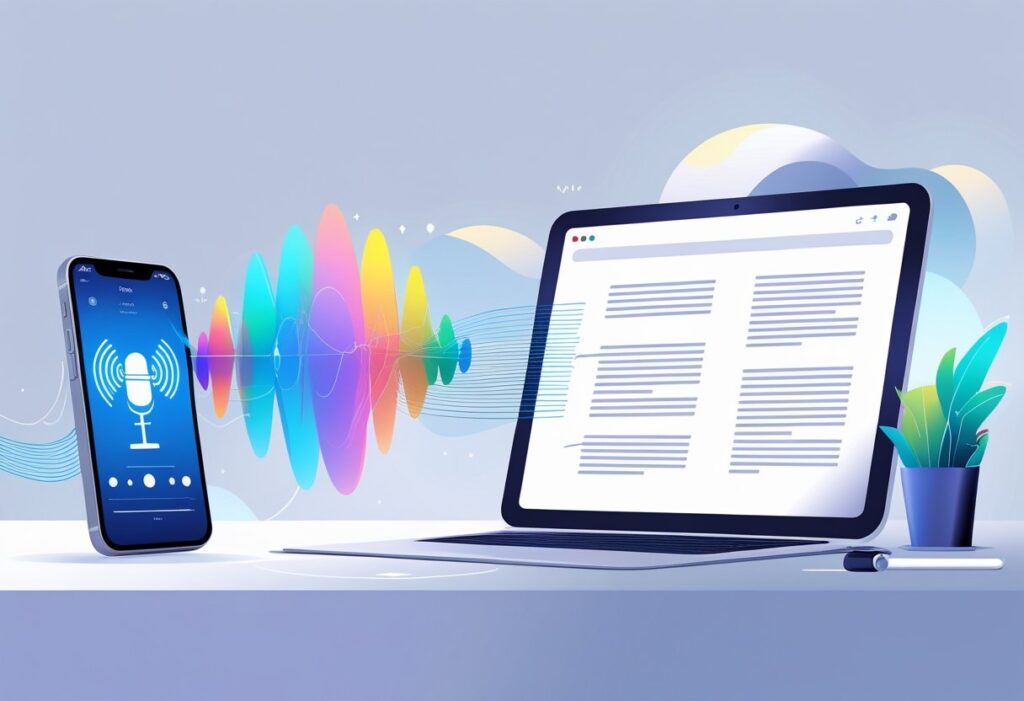
Voice notes have become a common way to capture thoughts quickly, but typing them out later takes valuable time. Voice notes to text technology uses advanced speech recognition to automatically convert spoken audio into written text, eliminating the need for manual transcription. This process can handle various audio formats and delivers accurate results in seconds rather than hours.
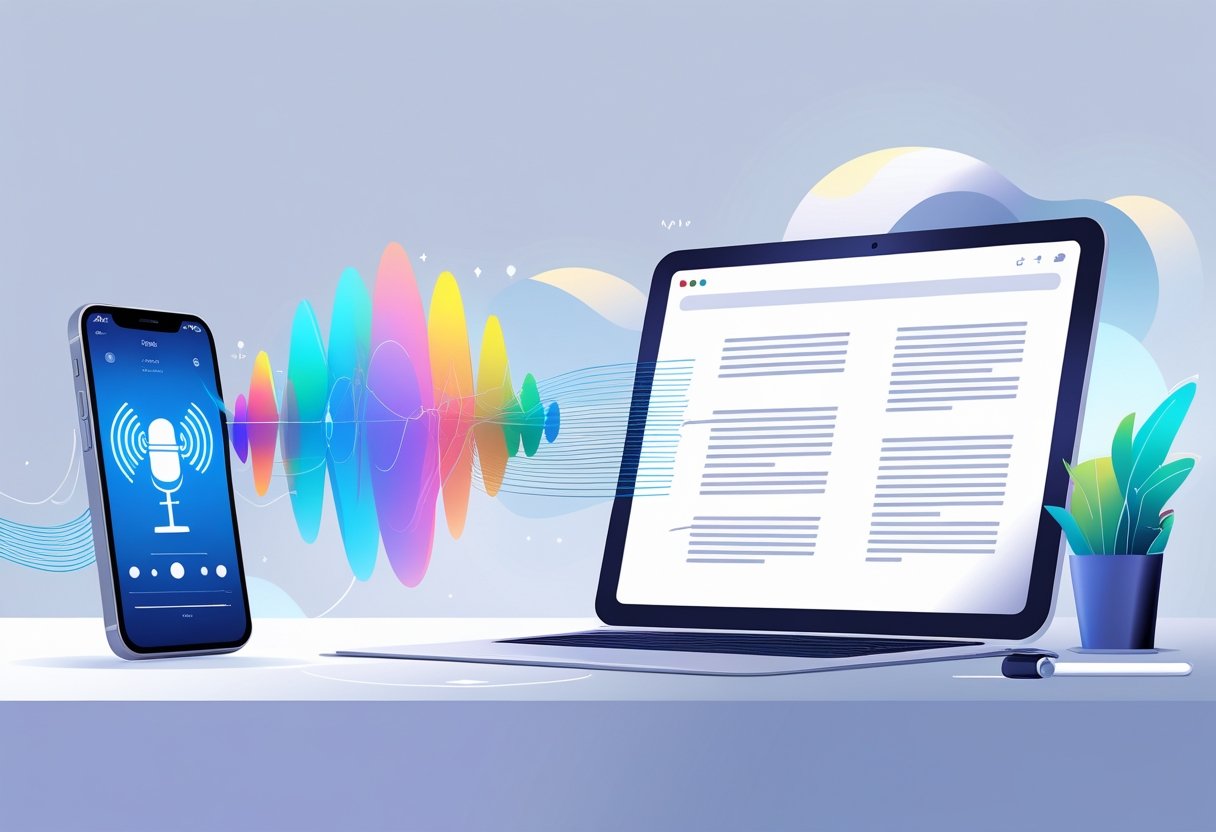
Modern voice-to-text tools work across different devices and support multiple languages. They can process everything from quick voice memos to lengthy meeting recordings. Many of these solutions offer additional features like editing capabilities and export options to popular file formats.
The technology has reached impressive accuracy levels, with some tools achieving up to 99% precision in transcription. Users can now transform their audio content into searchable, editable text documents without special software or technical skills.
Key Takeaways
- Voice notes to text technology converts spoken audio into written text automatically using speech recognition
- These tools support multiple file formats and languages while delivering fast and accurate transcription results
- Users can easily transform voice recordings into editable documents that can be exported in various formats
What Is Voice Notes to Text?
Voice notes to text technology converts spoken words into written format using advanced speech recognition software. This process transforms audio recordings into readable text documents that users can edit, search, and share easily.
Defining Voice-to-Text Technology
Voice-to-text technology uses artificial intelligence to analyze sound waves and convert them into written words. The system breaks down speech patterns, identifies individual words, and creates accurate text transcriptions.
Modern speech-to-text systems can recognize different accents and speaking styles. They work by processing audio signals through complex algorithms that match sounds to words in their databases.
Key features include:
- Real-time transcription capabilities
- Multiple language support
- Punctuation recognition
- Speaker identification
The technology works best with clear audio and minimal background noise. Most systems achieve accuracy rates between 85-99% depending on audio quality and speaking clarity.
Users can upload pre-recorded voice memos or dictate directly into transcription apps. The software processes the audio and delivers text results within seconds or minutes.
The Evolution of Voice Note Transcription
Early voice recognition systems required extensive training and worked only with specific speakers. Users had to repeat words multiple times for the system to learn their speech patterns.
The introduction of machine learning changed everything. Modern systems learn from millions of voice samples and improve their accuracy automatically.
Timeline of major improvements:
- 1990s: Basic dictation software with limited vocabulary
- 2000s: Improved accuracy with larger word databases
- 2010s: Cloud-based processing and mobile integration
- 2020s: AI-powered systems with near-human accuracy
Today’s transcription tools work across multiple devices and platforms. They can handle different audio formats and process files of various lengths without manual training.
Comparing Voice Notes to Traditional Note-Taking
Traditional note-taking requires manual writing or typing, which limits speed and often results in incomplete information. Most people speak at 125-150 words per minute but type only 30-40 words per minute.
Voice notes capture complete thoughts and conversations without missing details. Users can focus on listening and participating instead of struggling to write everything down.
Voice notes advantages:
- Faster information capture
- Hands-free operation
- Complete conversation recording
- Easy searching and editing
Traditional notes benefits:
- No technology dependence
- Better for visual learners
- Immediate formatting control
- Works in any environment
Voice-to-text combines the speed of speaking with the convenience of written text. This creates a more efficient workflow for students, professionals, and content creators who need accurate documentation.
How Voice Notes to Text Works
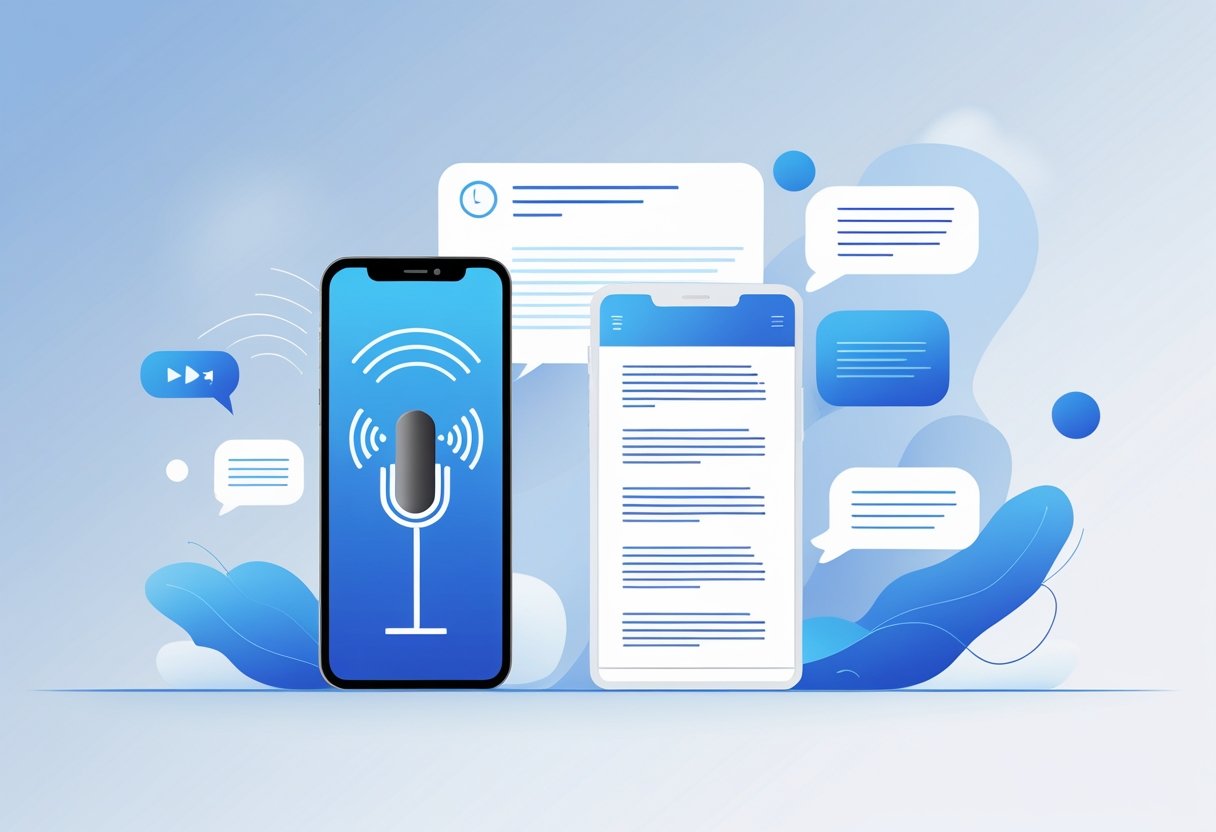
Voice-to-text technology uses speech recognition software to convert spoken words into written text. The process involves AI engines that analyze audio patterns and match them to words, either in real-time or from uploaded files.
Speech Recognition Fundamentals
Speech recognition technology breaks down audio into small pieces called phonemes. These are the basic sounds that make up words. The software compares these sounds to patterns it has learned from thousands of hours of recorded speech.
The system first removes background noise from the audio. Then it identifies where words start and stop. This process is called segmentation.
Modern speech recognition uses neural networks. These are computer systems that work like the human brain. They learn to recognize speech patterns by studying large amounts of data.
Key components include:
- Audio preprocessing to clean the sound
- Feature extraction to identify important sound characteristics
- Pattern matching to find the most likely words
- Language models to improve accuracy based on context
The technology works best with clear audio and standard accents. Background noise, fast speech, or strong accents can reduce accuracy.
AI Transcription Engines
AI transcription engines use machine learning to convert speech to text. These systems train on massive datasets containing millions of spoken words paired with their written versions.
The engines use deep learning algorithms. These can understand context and make smart guesses about unclear words. For example, if someone says “there” but the context suggests location, the AI might correctly choose “there” over “their” or “they’re.”
Modern AI engines can handle multiple languages and accents. They also learn from corrections users make. This helps them get better over time.
Popular AI transcription features:
- Automatic punctuation insertion
- Speaker identification in conversations
- Custom vocabulary for specialized terms
- Confidence scoring for each transcribed word
These engines process audio files much faster than humans can type. Most can transcribe an hour of audio in just a few minutes.
Real-Time Versus Uploaded Audio Processing
Real-time processing converts speech to text as someone speaks. This happens instantly during live conversations or voice dictation. The system processes small chunks of audio continuously.
Real-time systems need fast processing power. They make quick decisions about what words they hear. Sometimes they go back and fix mistakes as they get more context.
Uploaded audio processing works differently. Users upload complete audio files that the system processes all at once. This method often produces better accuracy because the AI can analyze the entire recording before making final decisions.
Real-time advantages:
- Instant results
- Good for live meetings or dictation
- Interactive corrections possible
Uploaded file advantages:
- Higher accuracy rates
- Better handling of difficult audio
- More time for complex processing
Both methods use similar AI technology. The main difference is timing and the amount of context available for making transcription decisions.
Key Features and Functions
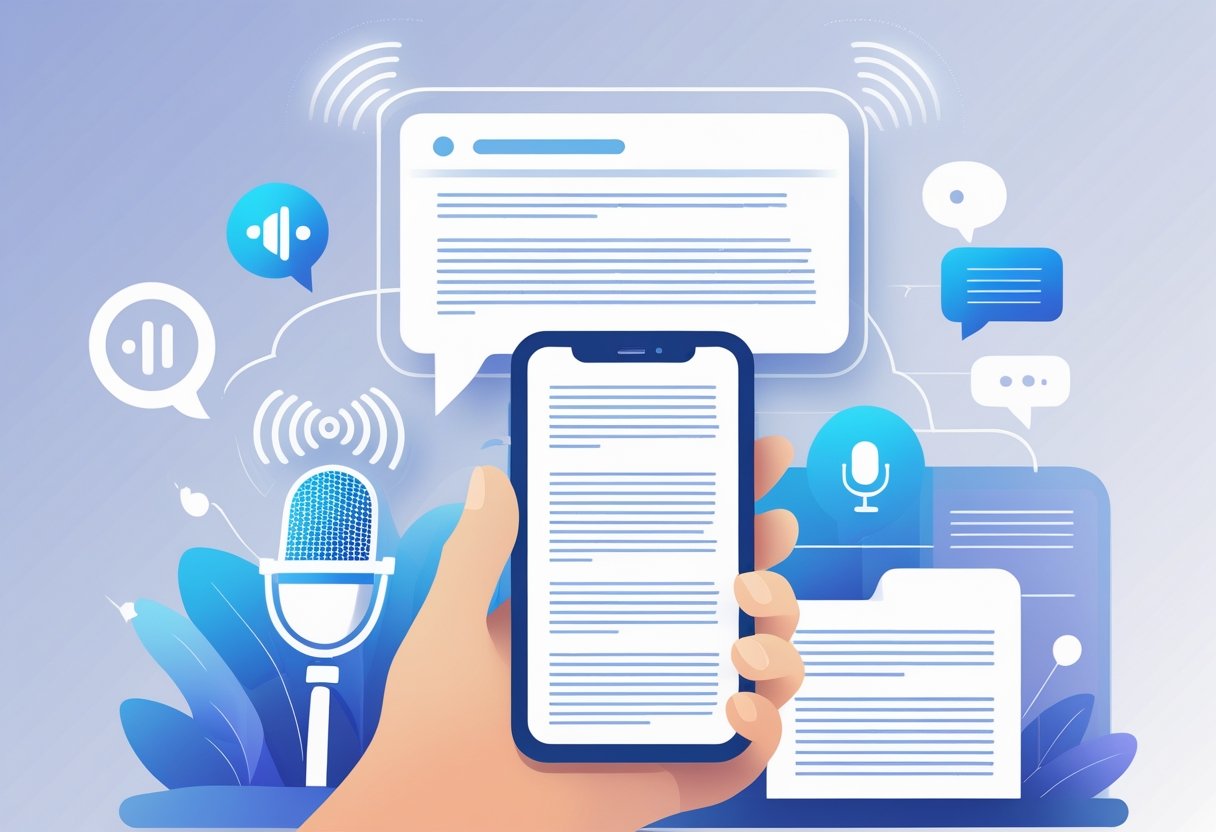
Voice-to-text apps offer several core functions that make capturing and managing spoken content simple and effective. These tools provide editable output, searchable organization systems, and support for multiple languages and speaking styles.
Editable Notes and Formatting
Voice-to-text apps create notes that users can edit and format after transcription. Most apps allow people to change words, add punctuation, and fix errors in the converted text.
Users can apply bold text, italics, and other formatting options to their transcribed notes. Many apps include automatic capitalization and paragraph breaks to make the text look clean.
Voice commands help users add formatting while speaking. They can say “comma,” “period,” or “new paragraph” to control how the text appears.
Some apps let users export their formatted notes to other programs. This makes it easy to move transcribed content into documents, emails, or note-taking apps.
The editing tools work like basic word processors. Users can cut, copy, paste, and rearrange text sections as needed.
Searchable Text and Organization
Transcribed voice notes become searchable once converted to text. Users can find specific words or phrases across all their saved recordings quickly.
Most apps organize notes by date, topic, or custom tags. This helps users locate old recordings without listening to each file again.
Search functions work across large collections of notes. Users can type a keyword and see all transcripts that contain that term highlighted.
Some apps create automatic summaries or extract key points from longer recordings. This makes it easier to review important information later.
Organization features include folders, categories, and color coding. Users can sort their voice notes by project, meeting type, or subject matter.
Language and Accent Support
Modern voice-to-text apps support multiple languages and can handle different accents effectively. Many tools work with over 100 languages for global users.
Accent recognition has improved significantly in recent apps. The software adapts to regional pronunciations and speaking patterns over time.
Users can switch between languages within the same app. This helps people who speak multiple languages or work in international settings.
AI technology learns individual speech patterns and vocabulary. The more someone uses the app, the better it becomes at understanding their specific way of speaking.
Some apps offer specialized vocabulary for different fields like medicine, law, or technical subjects. This improves accuracy for professional users.
Practical Applications of Voice Notes to Text
Voice-to-text technology transforms how people capture meeting discussions, take academic notes, and record spontaneous ideas. This technology serves professionals who need quick documentation and students who want to focus on listening rather than writing.
Meeting Notes and Collaboration
Voice notes help teams capture complete meeting discussions without missing important details. Participants can record conversations and convert them to text for easy sharing with absent team members.
Key meeting applications include:
- Recording client calls and sales presentations
- Documenting project updates and decisions
- Creating action items from team discussions
- Sharing meeting summaries with stakeholders
The technology works well in conference rooms and virtual meetings. Teams can search through transcribed notes to find specific topics or decisions made weeks ago.
Many professionals use voice-to-text apps to capture their thoughts immediately after meetings. This prevents important details from being forgotten before formal notes are written.
Academic and Professional Use Cases
Students and researchers rely on voice notes to record lectures and interviews. The technology allows them to focus on understanding content rather than writing everything down.
Common academic uses:
- Transcribing recorded lectures for study materials
- Converting research interviews to text
- Creating notes during field work or lab sessions
- Documenting thesis ideas and research findings
Professional writers and journalists use voice notes to capture quotes and story ideas. They can record interviews and convert them to text for article writing.
Healthcare workers document patient information through voice notes. This saves time compared to typing and allows for more accurate record keeping.
Voice Notes for Reminders and Idea Capture
Voice notes work perfectly for quick reminders and spontaneous thoughts. People can speak their ideas while driving, walking, or when typing is not convenient.
Popular reminder applications:
- Shopping lists and errands
- Creative ideas for projects
- Important tasks and deadlines
- Personal thoughts and reflections
The voice-to-text feature makes these notes searchable later. Users can find specific reminders by typing keywords instead of listening to multiple audio files.
Many creative professionals capture inspiration through voice notes. They record ideas during commutes or while exercising, then convert them to text for later development.
Business owners use voice reminders to track client requests and project updates. This ensures nothing gets forgotten during busy workdays.
Popular Formats and File Compatibility
Voice-to-text tools support various audio formats like MP3, WAV, and M4A. Users can export their transcribed text as PDF documents or plain text files for easy sharing and storage.
Supported Audio Formats
Most voice-to-text converters work with common audio formats. MP3 is the most widely supported format across all platforms.
WAV files offer high audio quality. This format works well for clear transcription results. Many professional tools prefer WAV for better accuracy.
M4A format is common on Apple devices. Voice memo apps on iPhones typically save recordings in this format.
Other supported formats include:
- MP4 (audio from video files)
- FLAC (high-quality audio)
- OGG (open-source format)
- WMA (Windows media files)
File size limits vary by service. Some tools handle files up to 100MB. Others support larger files for longer recordings.
Audio quality affects transcription accuracy. Clear recordings with minimal background noise produce better text results. Poor audio quality leads to more errors in the final transcript.
Exporting and Sharing as PDF or Text Files
Users can save transcribed content in multiple formats. Plain text files (.txt) work with any word processor or text editor.
PDF export creates formatted documents. These files preserve layout and formatting. PDF files are easy to share via email or cloud storage.
Word document formats (.docx) allow further editing. Users can add formatting, headers, or additional content after transcription.
Many tools integrate with cloud services. Google Drive, Dropbox, and OneDrive connections enable automatic saving. This feature helps users access transcripts from any device.
Export options often include timestamps. These markers show when specific words were spoken. This feature helps users navigate long recordings more easily.
Some services offer direct sharing to collaboration platforms. Slack, Microsoft Teams, and Notion integrations streamline workflow processes.
Choosing the Right Voice Notes to Text Solution
The right voice-to-text solution depends on three critical factors: how your data is protected, where the processing happens, and which devices work with the service. These elements directly impact security, performance, and usability for different users.
Privacy and Data Security Considerations
Data encryption protects voice recordings during transmission and storage. Strong solutions use end-to-end encryption to prevent unauthorized access to sensitive information.
Many services store recordings on their servers for improving ai transcription accuracy. Users should check if they can delete these recordings or opt out of data collection entirely.
GDPR and privacy compliance matters for business users. Some providers offer business-grade plans with stricter data handling policies and signed privacy agreements.
Location of data centers affects legal protections. Services that process data in specific countries must follow those regions’ privacy laws.
Audio retention policies vary widely between providers. Some delete recordings immediately after transcription, while others keep them indefinitely for machine learning purposes.
Offline Versus Cloud-Based Services
Cloud-based solutions typically offer better speech recognition accuracy because they use powerful servers and large language models. They also receive regular updates and support more languages.
Internet connection quality affects cloud services. Poor connectivity can cause delays or failed transcriptions during important meetings or calls.
Offline solutions work without internet access and keep all data on the device. This provides complete privacy control but usually offers lower accuracy rates.
Storage space becomes a concern with offline apps. Large language models require significant device memory, which may slow down older phones or tablets.
Battery usage differs between approaches. Cloud services use less processing power but require constant internet connection, while offline apps drain batteries faster during transcription.
Accessibility and Device Compatibility
Cross-platform compatibility allows users to access transcriptions on phones, tablets, and computers. The best solutions sync data across all devices automatically.
Voice quality requirements vary by service. Some work well with background noise, while others need quiet environments for accurate results.
Language support ranges from basic English-only tools to services supporting dozens of languages and dialects. Users should verify their language is available before choosing.
Integration with other apps enhances productivity. Services that connect with note-taking apps, calendars, and email save time on workflow management.
Accessibility features help users with disabilities. Screen reader compatibility and large text options make voice-to-text tools usable for more people.
Frequently Asked Questions
Voice-to-text transcription raises common questions about app choices, device compatibility, and cost-effective solutions. Users often need guidance on built-in features, online services, and automated transcription for messaging platforms.
What are the best apps for transcribing voice notes to text?
Several apps excel at voice note transcription with different strengths. Voicenotes offers AI-powered transcription with structured output for various content types. TalkNotes supports over 50 languages and converts speech into actionable text formats.
NotaVoice provides polished transcription without requiring user signup. The app transforms messy voice recordings into clean, structured text quickly.
Notta handles multiple content types including meetings, interviews, and personal notes. It works with both audio and video files for comprehensive transcription needs.
How can I transcribe voice memos to text on my iPhone?
iPhone users can transcribe voice memos using built-in features or third-party apps. The Voice Memos app allows users to record audio that can be transcribed through accessibility settings.
Users can enable Live Transcription in Settings under Accessibility > Live Speech. This feature converts spoken words to text in real-time across various apps.
Third-party apps like Notta and TurboScribe work directly on iPhone browsers. These tools accept voice memo files and provide accurate transcription results.
Is there a reliable online service for converting voice recordings to written text?
TurboScribe offers browser-based transcription without downloads or account requirements. The service handles podcasts, meetings, lectures, and voice notes with quick processing times.
StudyHobby provides free voice-to-text conversion with AI-powered transcription. The platform suits students, professionals, and educators who need hands-free note-taking solutions.
Speech to Note uses AI technology to simplify transcription processes. The service addresses common user concerns while delivering efficient speech-to-text conversion.
Can I transcribe audio files to text for free, and if so, which services are available?
Multiple free transcription services exist for audio file conversion. TurboScribe operates entirely in browsers without requiring paid subscriptions or account creation.
StudyHobby offers free voice-to-text transcription with AI assistance. Users can upload audio files and receive transcribed text without payment.
NotaVoice provides free transcription services without signup requirements. The platform handles voice notes and converts them to structured text format.
How do I enable live transcription features on my mobile device?
Android devices include Live Transcribe in accessibility settings. Users activate this feature through Settings > Accessibility > Live Transcribe for real-time speech conversion.
iPhone users can enable Live Speech through Settings > Accessibility > Speech. This feature provides live transcription capabilities across supported applications.
Both platforms offer voice typing in keyboard settings. Users can activate microphone input for direct speech-to-text conversion in messaging and note apps.
What options do I have for transcribing WhatsApp voice messages to text automatically?
WhatsApp does not include built-in automatic transcription for voice messages. Users must rely on third-party solutions or manual transcription methods.
Android users can use accessibility features like Live Transcribe while playing voice messages. This method requires playing the audio while the transcription service runs.
Third-party apps can transcribe downloaded WhatsApp voice messages. Users save the audio files and upload them to services like TurboScribe or Notta for text conversion.
Related Articles

Automatic Meeting Notes: How AI-Powered Tools Transform Workplace Productivity

How to Record and Transcribe Meetings: A Complete Guide for Accurate Documentation and Better Team Collaboration